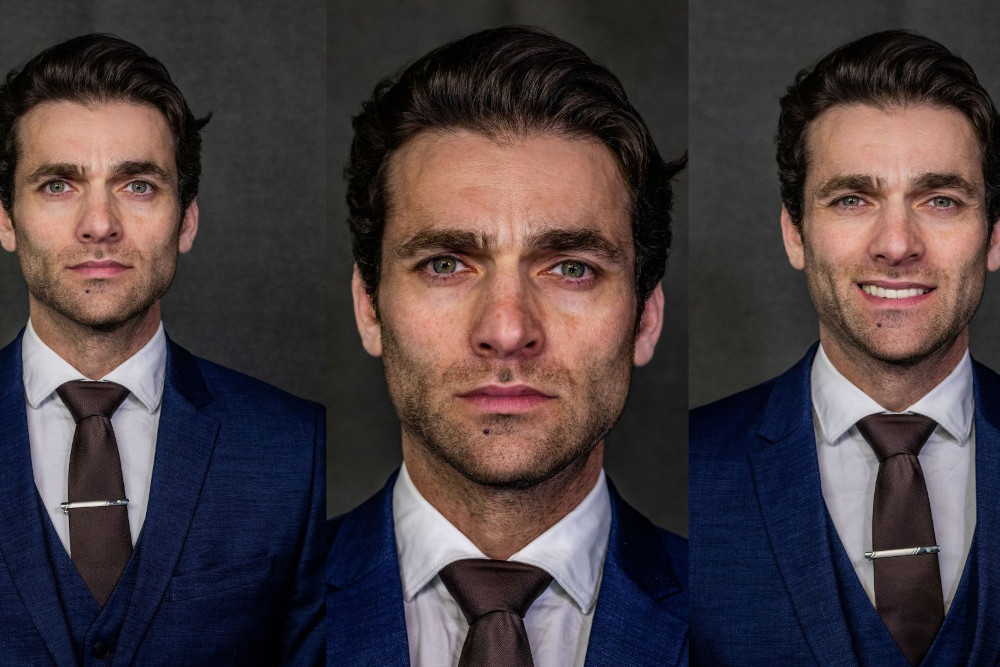
A professional LinkedIn headshot clearly shows your face and makes you appear competent, likable, and influential for the role you want.
Unfortunately, judging your own headshot is difficult. You already know the person in the photo, so you cannot see it with the fresh eyes of a recruiter, hiring manager, client, or new LinkedIn connection.
But Photofeeler users can.
After studying millions of business photo scores and combing the web, we’re ready to confidently attack the most-asked questions about LinkedIn and professional headshots. Let’s get into it.
Do professional headshots really matter when job hunting?
Yes! A professional headshot will not compensate for missing qualifications, but it will shape someone’s first impression before they read your experience.
Your LinkedIn photo will influence whether you appear:
- Competent: smart and capable of doing the job
- Likable: friendly and pleasant to work with
- Influential: confident, authoritative, and able to lead
The right balance depends on your career goals. Competence may be the priority for most job seekers, while influence can be more important for management and executive roles. Likability matters at every level because employers are not only evaluating whether you can do the work, but also what it would be like to work with you.
What makes a good professional headshot?
Across the business photo tests reviewed for this article, the highest-scoring headshots shared several characteristics.
1. A natural smile


A relaxed smile was one of the clearest indicators of high Likable scores. Stern expressions sometimes yielded high Competent scores but much lower Likable ratings.

Take the example above: the man is dressed well, but his facial expression is quite serious, earning 9.2 for Competent but only 2.8 for Likable. Professional clothing communicated capability, but the rigid posture and expression made the person appear less approachable.
Photofeeler’s research also shows that a natural smile with teeth can improve how someone is perceived. An exaggerated laughing expression, however, may reduce perceived competence or influence.
2. Direct eye contact and confident posture
Many of the strongest business photos featured direct eye contact, an upright posture, and a relaxed but self-assured expression.

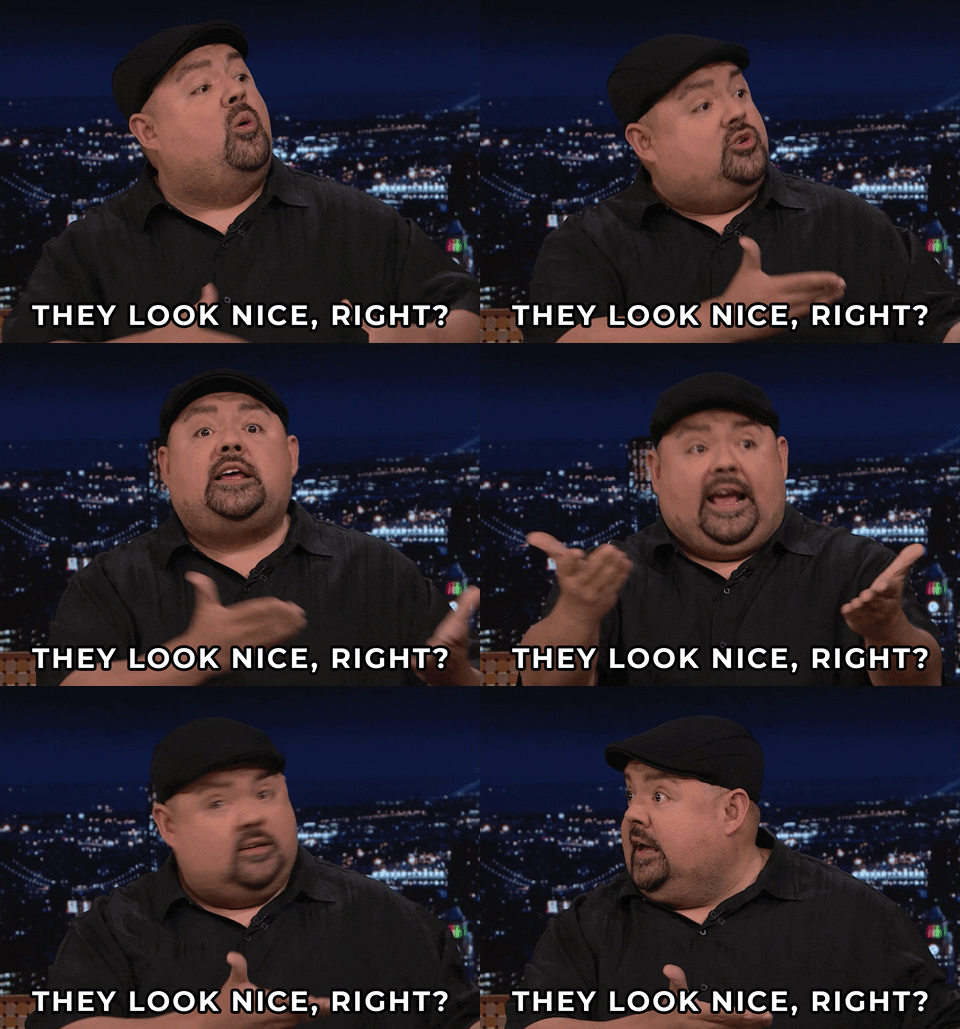
Okay, maybe not this much…
We found that looking away from the camera, excessively tilting the head, slouching, or appearing distracted can weaken the impression of competence. Photofeeler’s guide to looking more competent in a LinkedIn photo recommends making eye contact with the lens and maintaining strong posture.
3. A close, well-lit composition
High-scoring photos generally made the person, not the setting, the focus. The face was sharp, well-lit, and large enough to recognize at LinkedIn’s small profile-picture size.

Distant workplace scenes did not perform as consistently. A photo of someone sitting at a laptop or standing across the room may look polished as a website image, but it is often less effective as a headshot because the face appears too small.
For LinkedIn, a chest-up or shoulders-up crop is usually the safer choice.
4. Professional clothing that suits the role
Blazers, collared shirts, suits, and polished business-casual clothing appeared frequently among photos with strong Competent and Influential scores.


Clothing alone was not enough, though. A suit could not overcome an unfriendly expression, weak lighting, or awkward body language. The strongest photos combined professional styling with warmth and confidence.
If you are targeting a senior or leadership position, see Photofeeler’s four ways to look more influential in a LinkedIn photo.
5. An intentional appearance
Many of the lowest-scoring photos looked like selfies, webcam captures, casual snapshots, or images repurposed from another setting. Common problems included:
- Dim or uneven lighting
- Distracting rooms and backgrounds
- Awkward cropping
- Visible selfie distortion
- A subject positioned too far from the camera
- Closed, tense, or disengaged body language
You do not necessarily need an expensive studio headshot. The image simply needs to look as though it was intentionally created for professional use.
How can you tell if your LinkedIn photo is any good?
Start with this checklist:
☑️ Is your face easy to see at thumbnail size?
☑️ Is the image sharp and evenly lit?
☑️ Are you looking toward the camera?
☑️ Does your expression appear natural and approachable?
☑️ Does your posture communicate confidence?
☑️ Is your clothing appropriate for your industry?
☑️ Is the background simple or professionally relevant?
☑️ Does it create the impression you want employers to receive?
If you answered yes to all of these questions, then…
Still, checking every box does not guarantee that you have selected your best photo. Small changes in expression, cropping, lighting, and camera angle can cause two photos of the same person to make very different impressions. It’s important to experiment and to see what works best.
How do you get honest feedback on a headshot?
The best way to evaluate a headshot is to ask people who do not already know you.
Friends and family understand your personality, which makes it difficult for them to separate the person they know from the impression created by one image. They may also avoid giving feedback that could hurt your feelings.
Photofeeler lets you test your headshot with real people who have no personal connection to you. Business photos are rated for Competence, Likability, and Influence, and voters can leave notes explaining what strengthens or weakens the photo.
Instead of asking one friend, “Do you like this picture?”, you can compare several headshots and learn:
- Which photo makes you appear most competent
- Whether your expression seems approachable
- If your photo communicates enough confidence or authority
- What specific details voters notice
- Which image creates the best overall professional impression
What is the best headshot for LinkedIn?
The best LinkedIn headshot is not necessarily the most expensive photo or the one you personally like most. It’s the photo that creates the right first impression for your professional goals while still accurately representing you.
If you’re asking, “Is this a good LinkedIn photo?”, don’t leave your career prospects to guesswork. Test your headshot on Photofeeler to see how others actually perceive it; that way, every conversation starts with you putting your best face forward.